
Ahoy there, mateys! As a fellow pirate who's spent countless hours navigating the treacherous seas, I've got to say, the arrival of Sea of Thieves on the PS5 back in 2024 was a monumental event. It wasn't just another port; it was a historic moment where an Xbox-published title landed on a rival's flagship console, bringing Rare's iconic adventure to PlayStation for the very first time. Fast forward to 2026, and the seas are more populated than ever. If you're one of the many new sailors who've recently hoisted the Jolly Roger on your PS5, you're likely having a blast. The sun-drenched islands, the lure of buried treasure, and the thrill of the open ocean are undeniable. But let's be real—the experience can quickly turn sour when you find your freshly painted sloop being relentlessly hunted by a galleon full of veteran pirates who've been plundering these waters for years. That steep learning curve can feel less like an adventure and more like being forced to walk the plank on your first day.
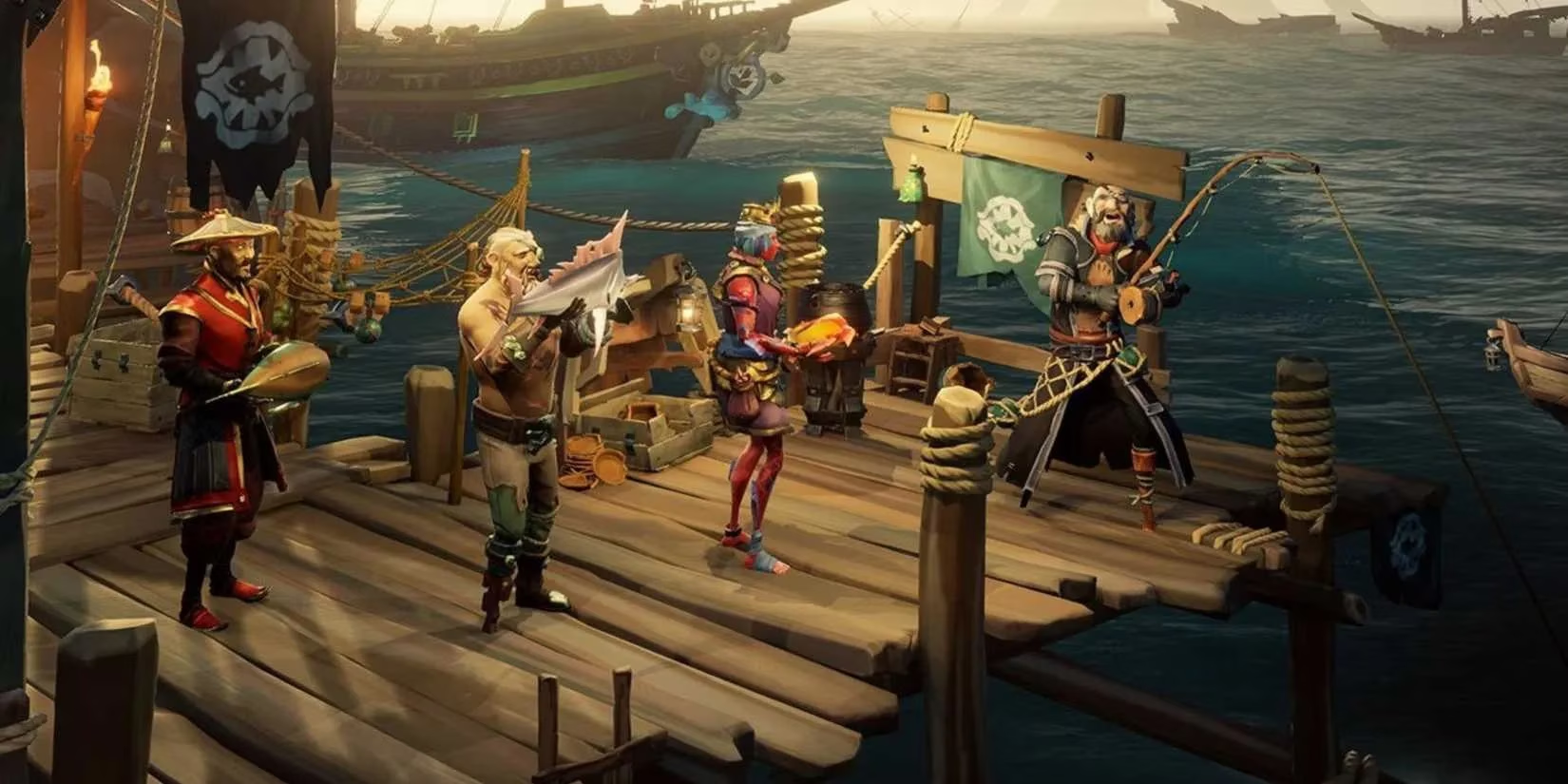
I remember the years we spent pleading for crossplay, dreaming of the day we could sail with friends regardless of their console allegiance. Now that it's a standard feature in so many games, including our beloved Sea of Thieves, it might seem contradictory to seek a way to turn it off. But here's the thing: this isn't about rejecting community. It's about creating a fair playground. For thousands of new players, jumping into a game with a six-year head start on some platforms is like being thrown into the deep end of a shark-infested pool. The skill gap is real, and it can be incredibly frustrating. Thankfully, Rare has provided a simple, elegant solution for those who want to learn the ropes in a slightly less hostile environment.
If you're tired of seasoned Xbox and PC players sinking your ship before you've even figured out how to raise the anchor, disabling crossplay to sail only with fellow novice PlayStation players is a straightforward process. Here’s my step-by-step guide, straight from the helm:
-
Boot Up the Game: Start your Sea of Thieves adventure from your PS5 dashboard.
-
Access the Settings Menu: Once you're at the main menu, navigate to the Settings option. It's your gateway to customizing your experience.
-
Find Matchmaking Preferences: Within the Settings menu, look for the tab or section labeled 'Matchmaking Preferences' or something very similar.
-
Adjust Your Crew: In this menu, you'll find the crucial options that dictate who shares your server. Look for the setting that allows you to 'Select Preferred Platform' or 'Limit Matchmaking'.
-
Choose Your Seas: Select the option that limits your lobbies to players on your own platform (PlayStation) and, ideally, those using controllers. This creates a more level playing field where everyone is likely starting from a similar point of experience.
🎮 Pro Tip: This setting doesn't make the game 'easy mode.' You'll still encounter other player pirates, environmental hazards, and skeleton crews. But the competition will feel more balanced, allowing you to learn ship combat, treasure hunting, and voyage mechanics at your own pace.
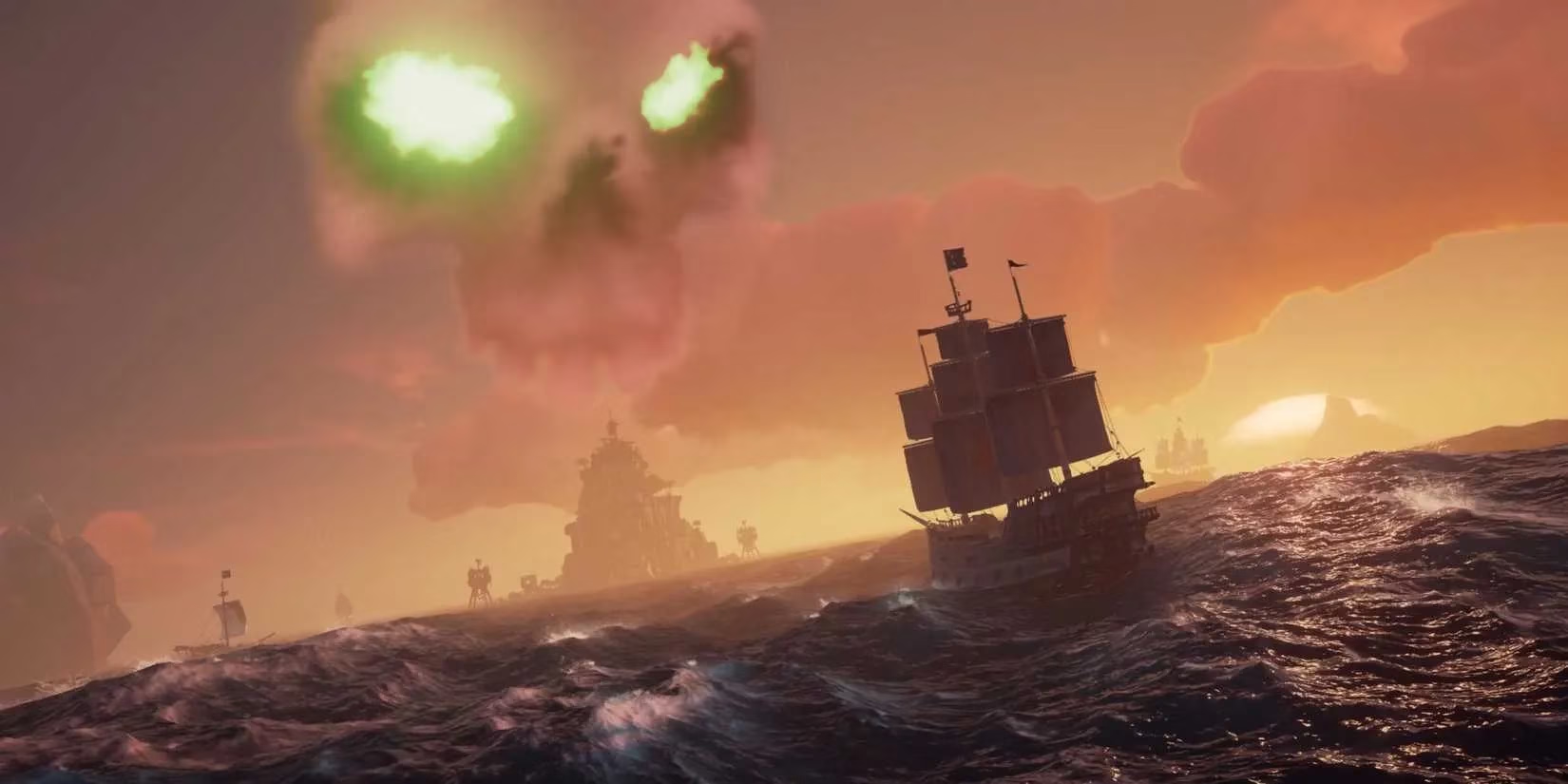
Now, this guide might seem tailored for the PS5 newcomers, but the ability to disable crossplay is a two-way street. As a veteran player myself (I started on PC at launch), I understand the other side of the coin. Maybe you've been a legendary pirate for years, and the recent influx of fresh, often unpredictable, crewmates has changed the dynamic of your usual sessions. Perhaps you crave the strategic, high-stakes battles that come from facing other experienced sailors. If that's the case, you too can tailor your experience. By diving into the same Matchmaking Preferences menu on Xbox or PC, you can switch your settings to only include players on your specific platform. This effectively creates a server pool reserved for those who already speak the language of wind angles, cannonball types, and the precise timing of a board action.
But what if you want complete solitude? What if the very idea of another player ship on the horizon fills you with dread? I get it. The sea is vast and beautiful, and sometimes you just want to explore it in peace. For those moments, Sea of Thieves offers a 'Safer Seas' mode—effectively a single-player or private crew experience. You can invite up to three friends, or go it completely alone, and the world is yours to explore without the threat of other player pirates.
⚠️ A Word of Caution: Don't be fooled into thinking 'Safer Seas' is a casual training mode. In many ways, it can be a harder place to learn. Why? Because you lose the safety net of potentially friendly players. Every threat—from the snarling skeletons guarding an island, to the sudden attack of a megalodon from the depths, to the entire crew of a ghost ship—falls squarely on your shoulders. There's no one to rescue you if you get knocked off your ship. There's no ally to help you repair critical hull damage in the middle of a storm. It teaches self-reliance, but the learning curve remains steep.
Ultimately, whether you disable crossplay for a gentler introduction or keep it on for the true, chaotic multiplayer experience, the most important thing is that you're having fun. Sea of Thieves in 2026 is a richer, deeper game than ever before. The world has expanded with new threats, treasures, and tales. My advice to any new pirate is this: stick with it. Find your comfort zone using these settings, learn the basics of sailing and combat, and then, when you feel that confident gleam in your eye, open your crew to the wider world. The moment you successfully defend your loot from a seasoned crew, or pull off a perfectly coordinated heist, you'll understand why this game has captivated players for so long. It might just become the next live-service adventure you completely lose yourself in. Now, raise the anchor and set sail—your legend awaits, on your own terms.